
Configuring Token Usage by Project
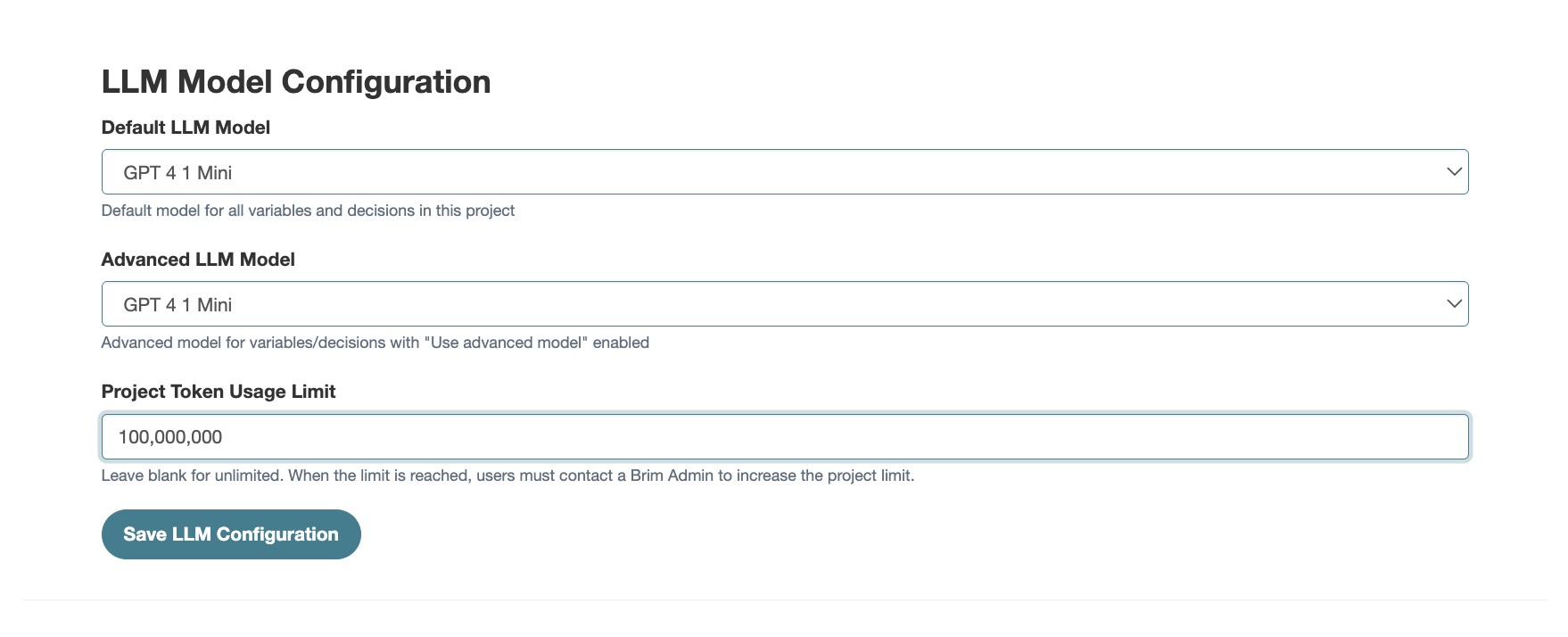
Each project in Brim can have its own LLM model configuration, giving you control over performance, cost, and usage limits without affecting other projects. Users are able to configure models per project and also set token limits. These limits can be increased or reduced at any time by an administrator.
Understanding token limits
Token limits are a way of controlling costs and preventing disruption. Here's what to know:
- The default limit is 1 billion tokens per project
- You can raise or lower that limit at any time from the project settings
- Leaving the field blank removes the limit entirely for that project
- If a project hits its token limit, all AI usage in that project will be blocked until an admin increases the limit
Because hitting a limit blocks all usage, it's worth setting limits intentionally and revisiting them proactively rather than waiting for an interruption.
How to adjust token limits
To adjust your token limit navigate to the "Settings" menu, then click "Manage Project". This will open a page where you will have the option to configure models per project for your project and also change your token limitation. Enter your new limit and click "Save LLM Configuration".
Tip
- Set conservative token limits to start, then increase as you understand usage patterns